

If your subscription is missing from your account or not linked to your email, you can use the Restore Purchase feature to re-link the purchase to your email.
Restore Purchase can only be used on the same store and grade level that was used to make the purchase. After the purchase is restored and linked to your email, you can use your email and password to login to other grades.
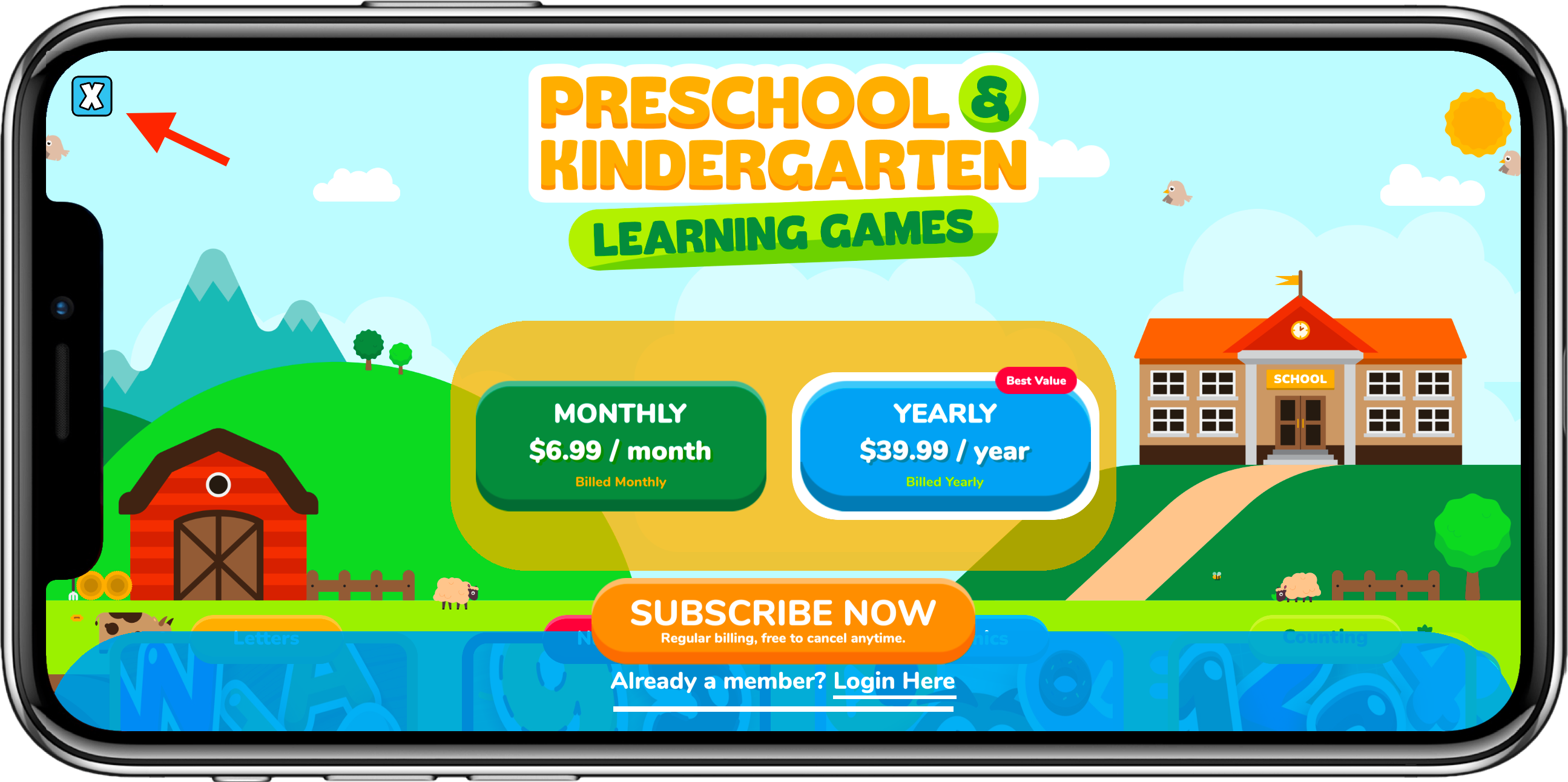
If you are asked to subscribe, tap the X to close it.
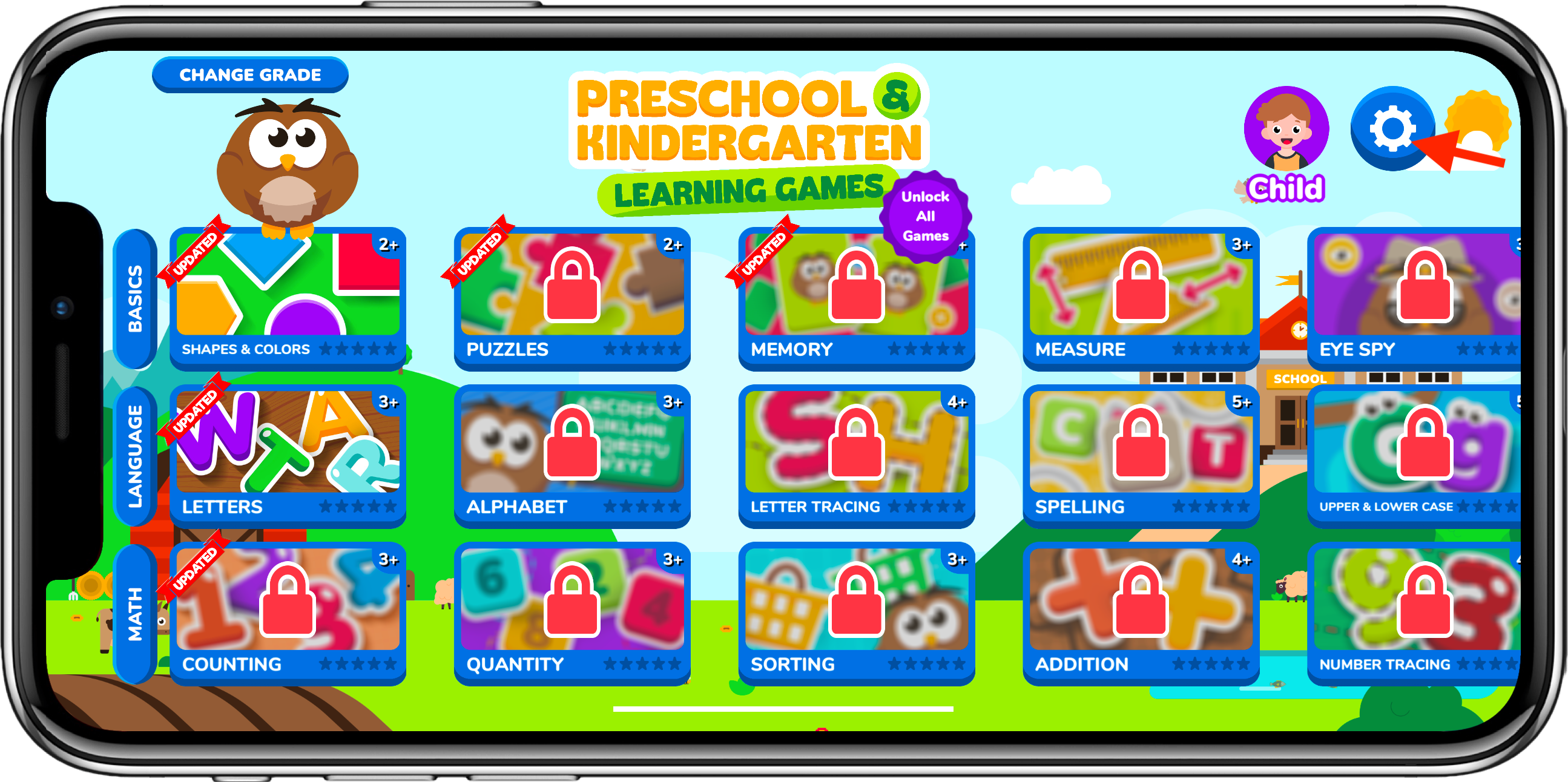
Go to Settings in the upper right.
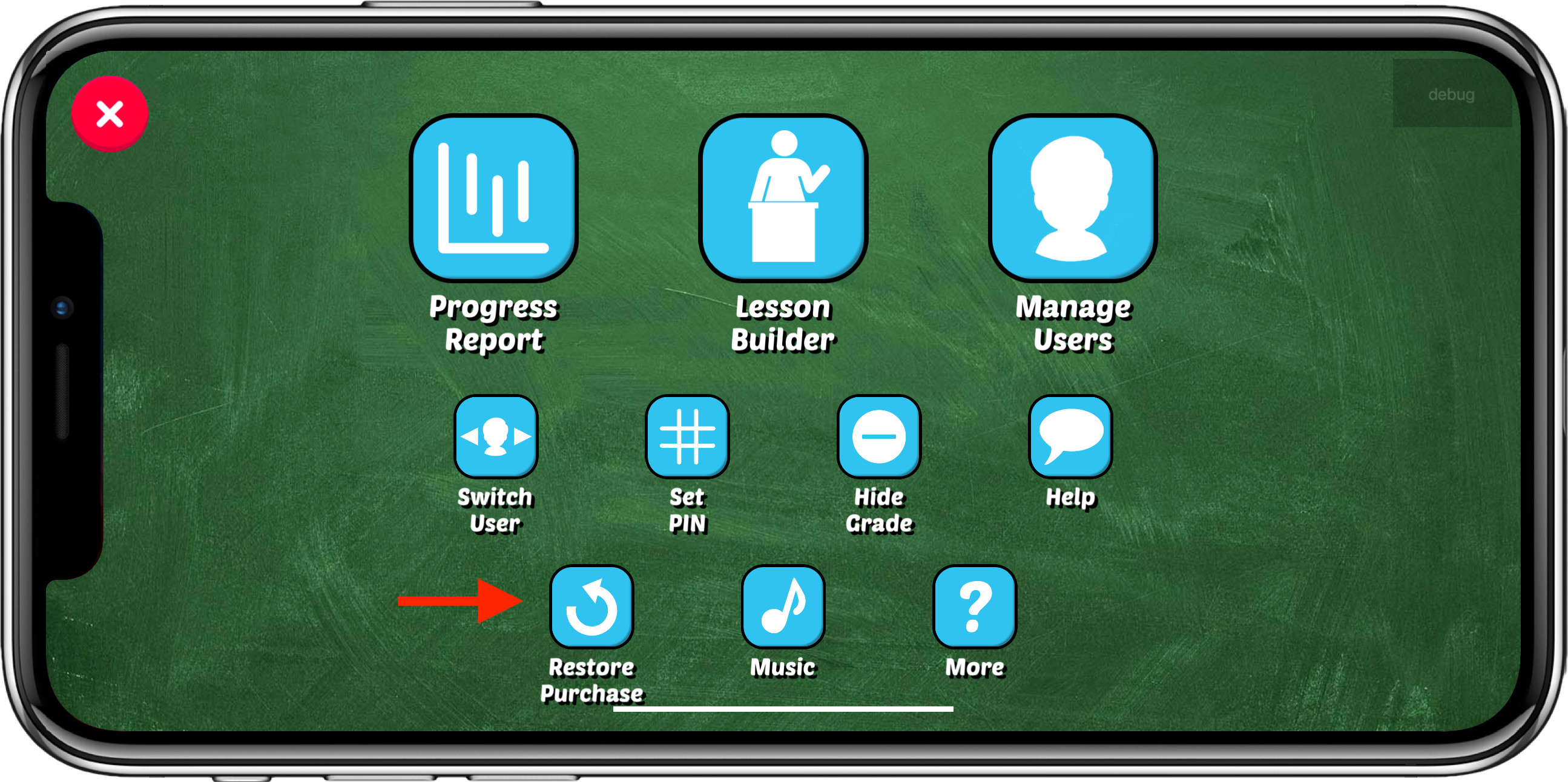
Tap Restore Purchase.
If that is successful, the games will unlock
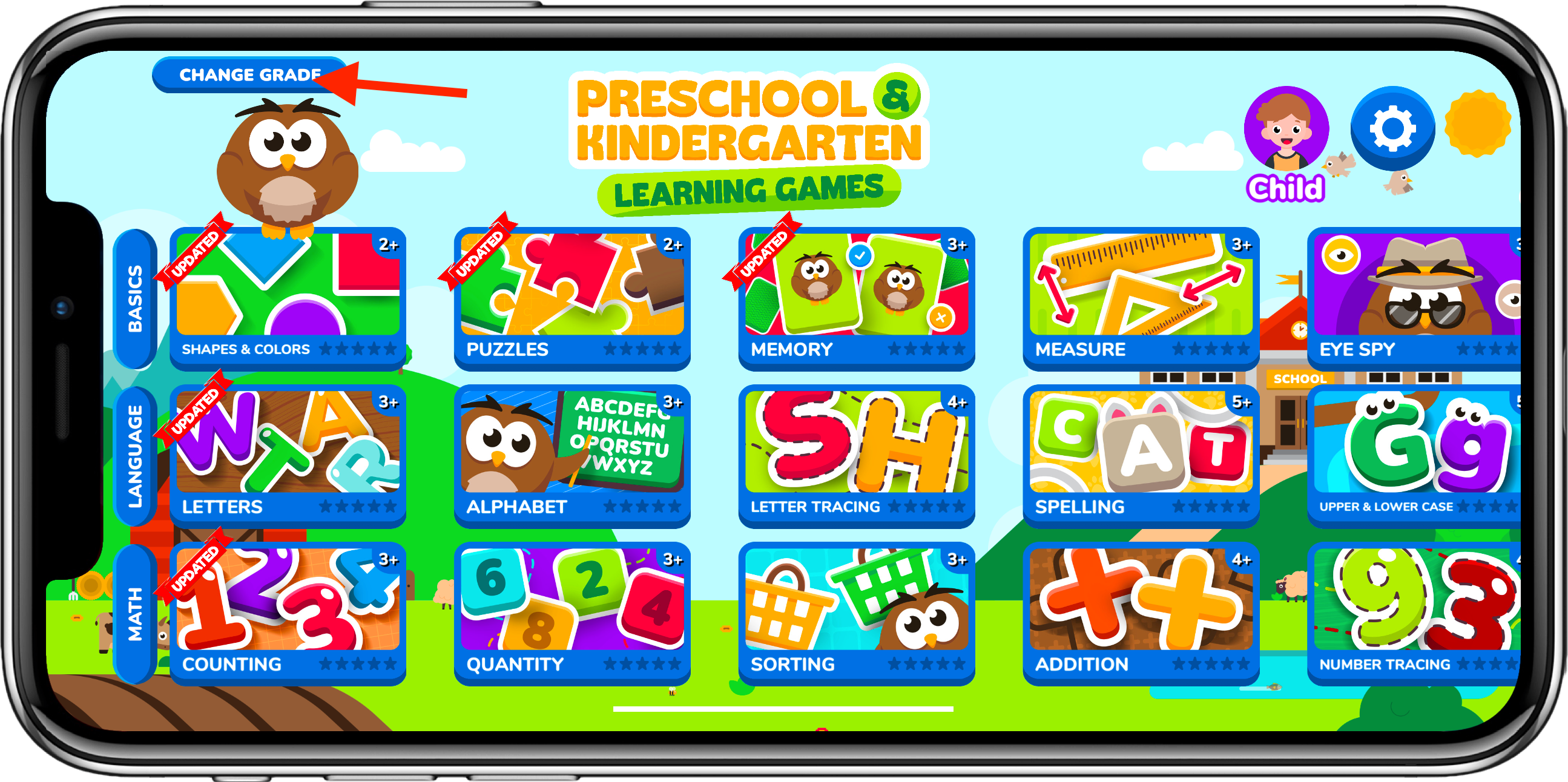
After that go to Academy/Change Grade in the upper left.
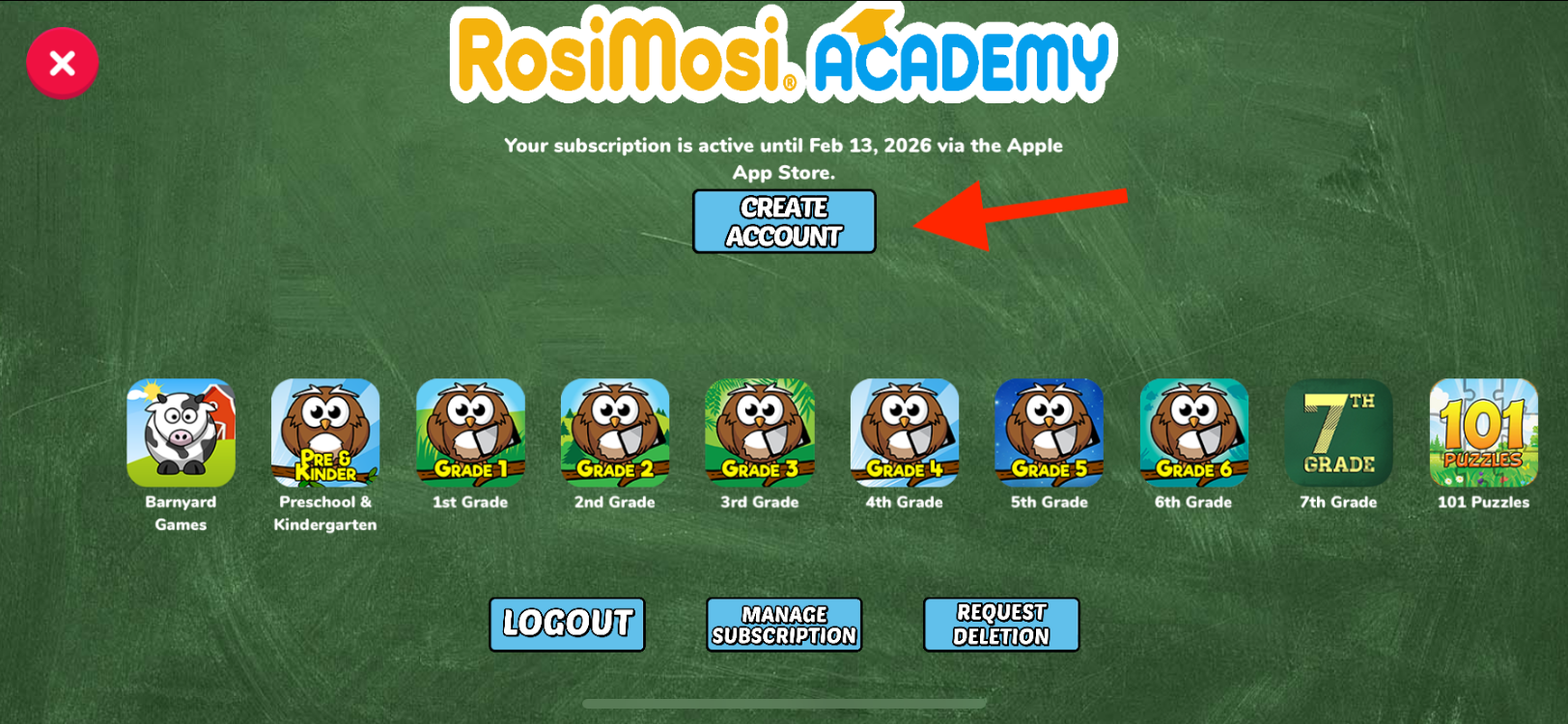
On that screen will be your account email.
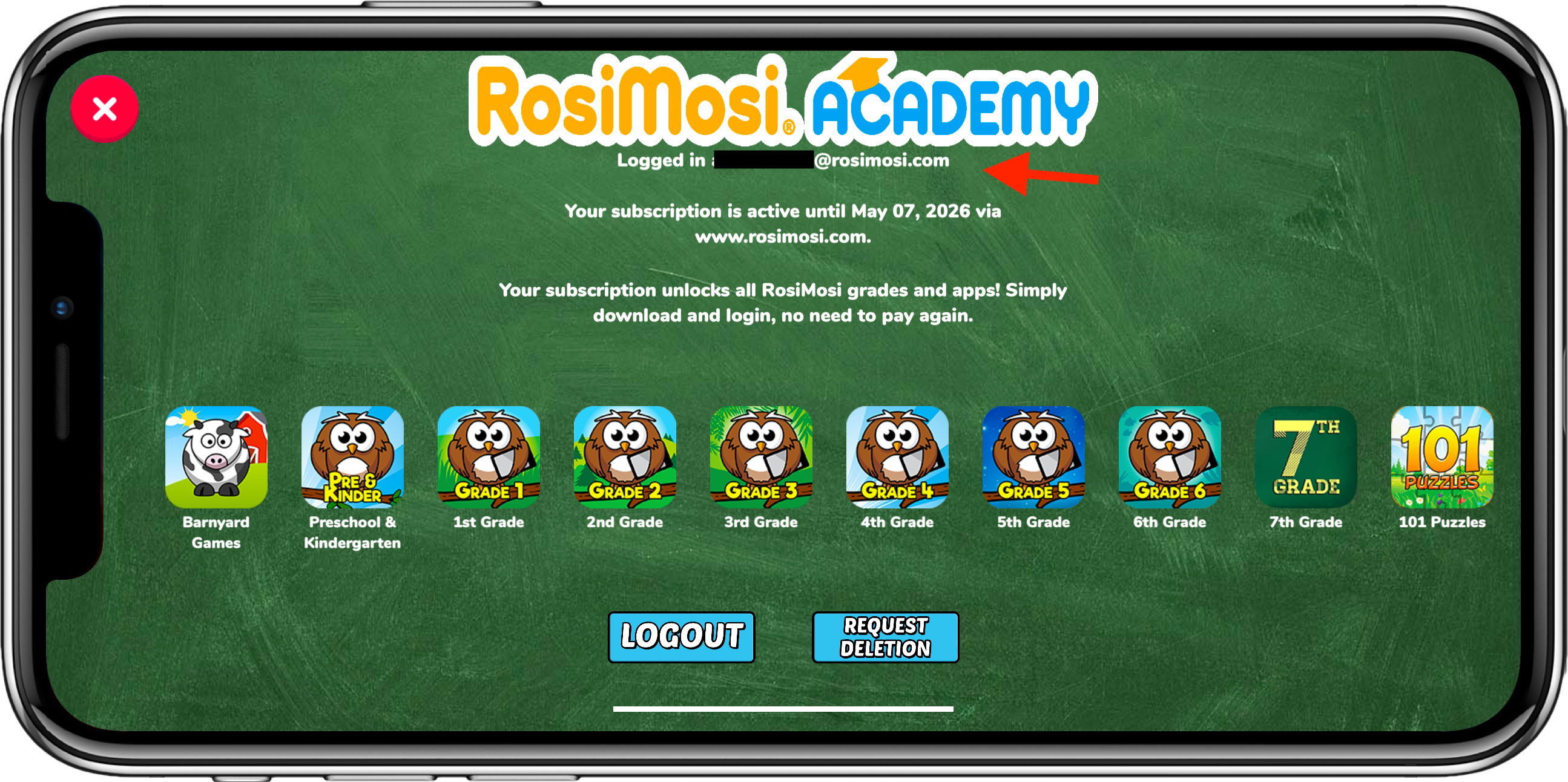
If you didn’t create an account, there will be an option to create a new account here.