



If you are on iOS and email is not recognized or your subscription is not linked to your email, it is possible that you used the Apple "Hide My Email" feature. This tells Apple to create a random email for you at privaterelay.appleid.com. Follow these instructions to locate your private relay email address.
- On your iPhone or iPad.
Open Settings.
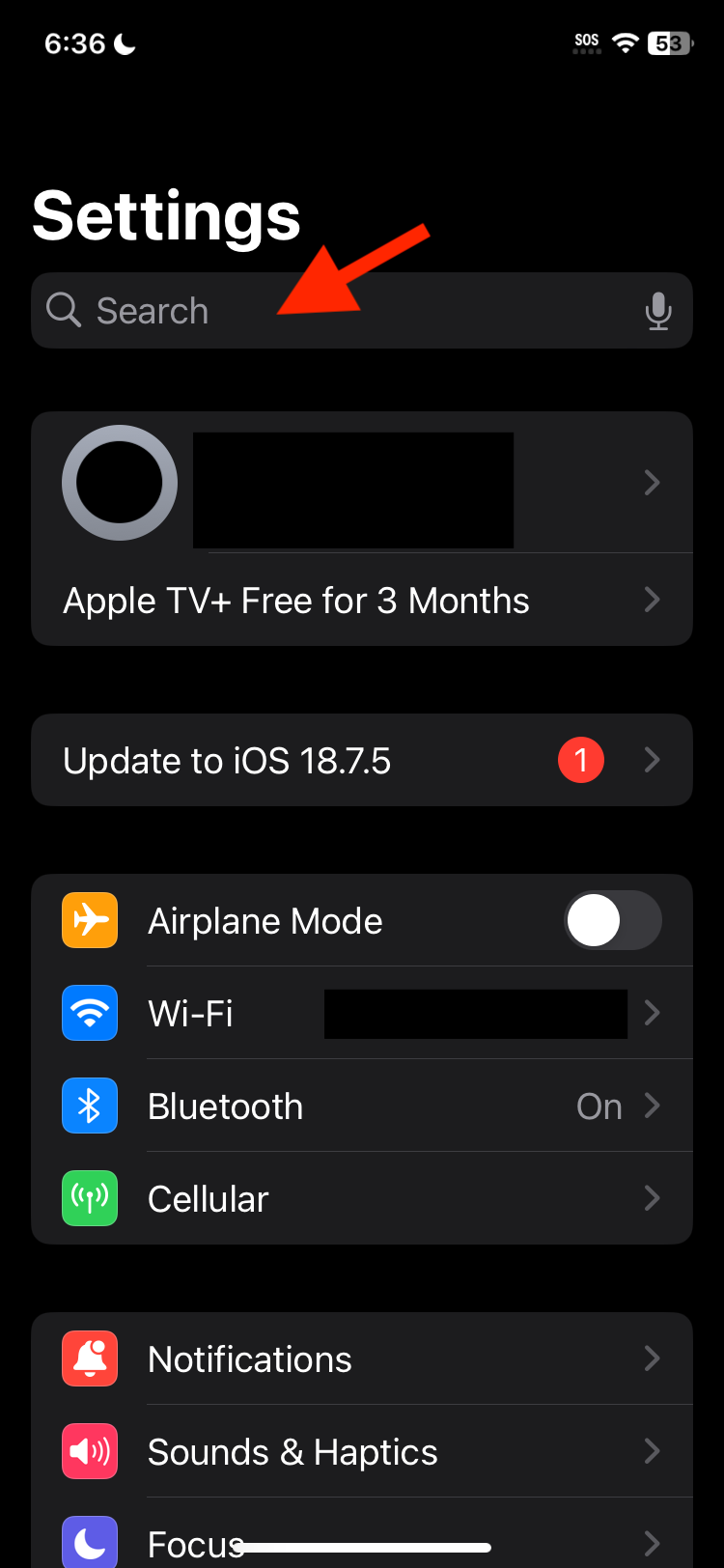
- Tap Search.
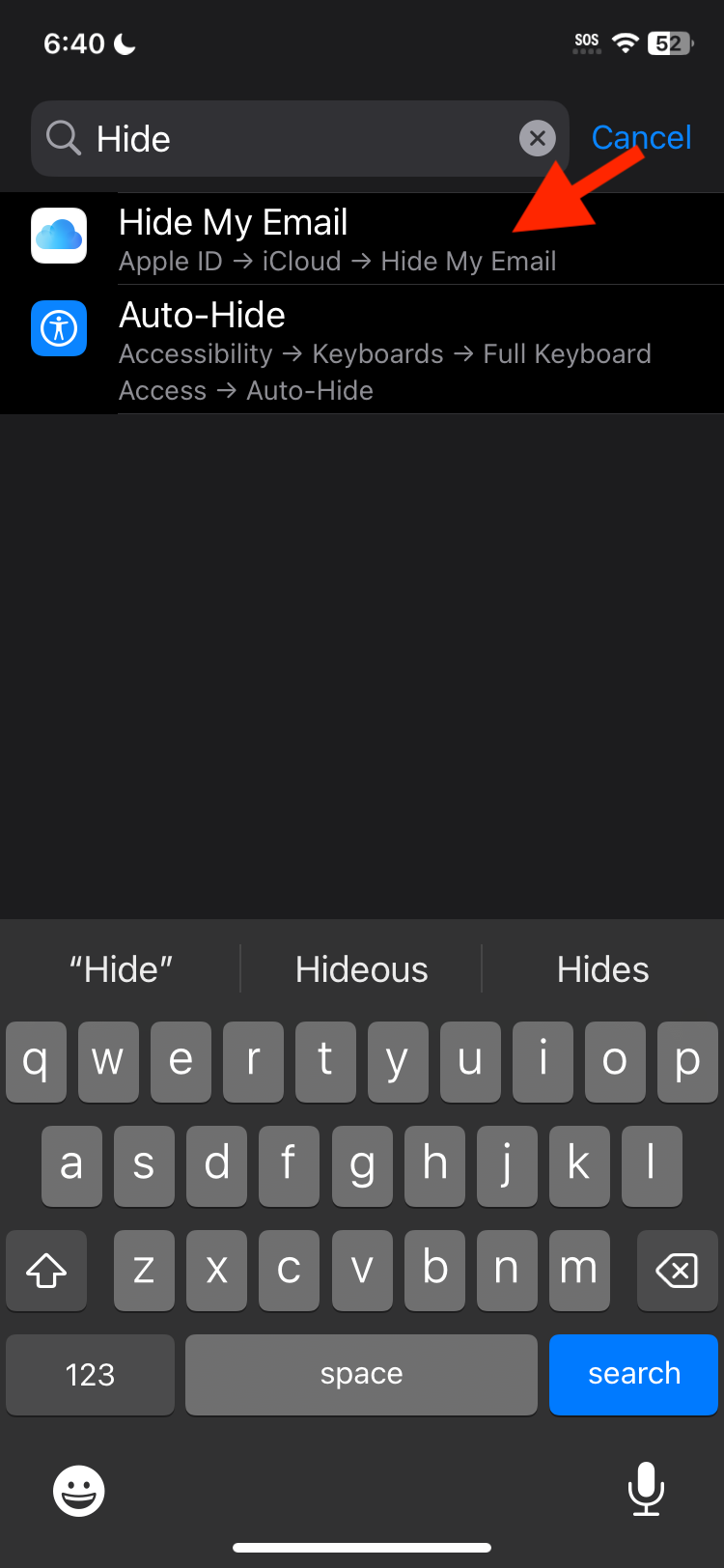
- Search for "Hide"
Tap Hide My Email
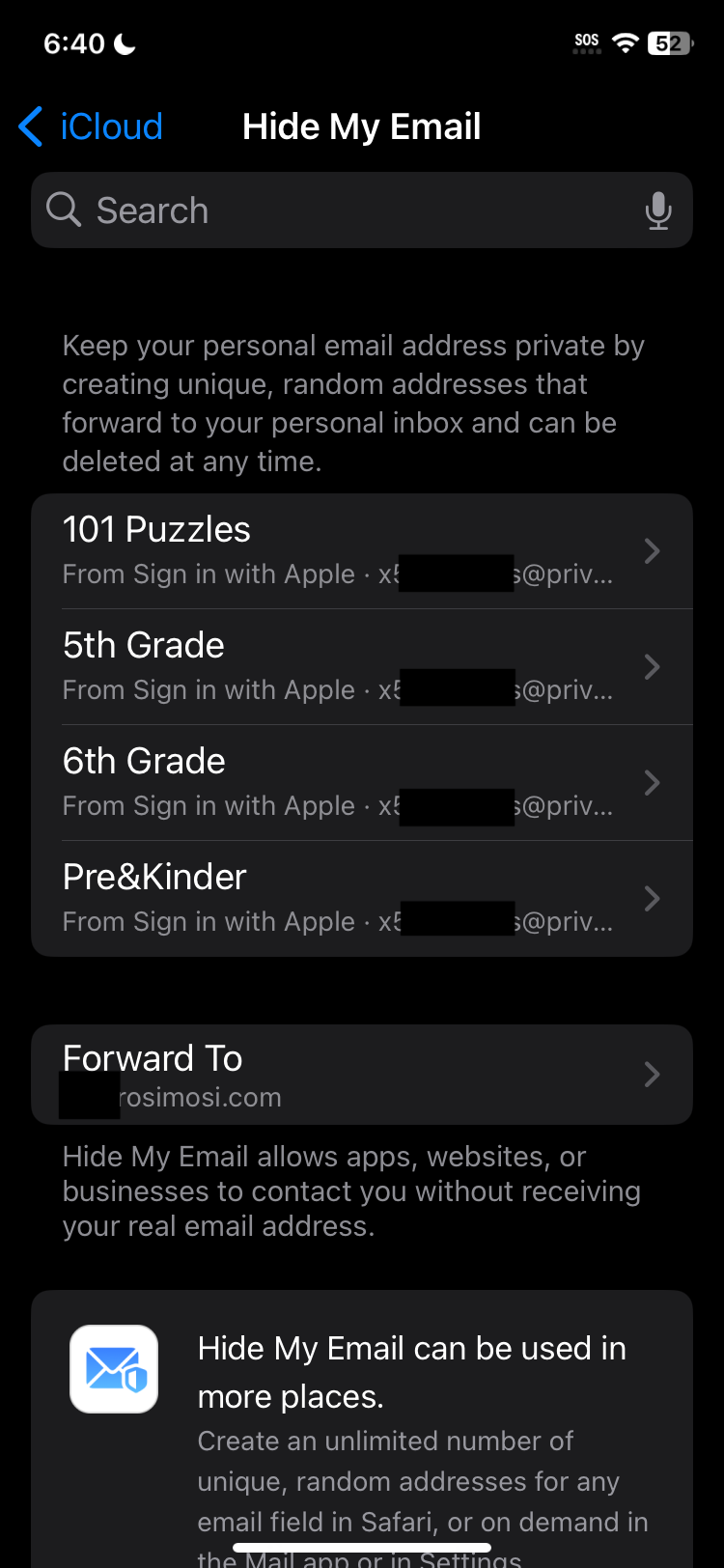
Look for the Rosimosi App
Tap the app to see the Apple Private Relay email address.
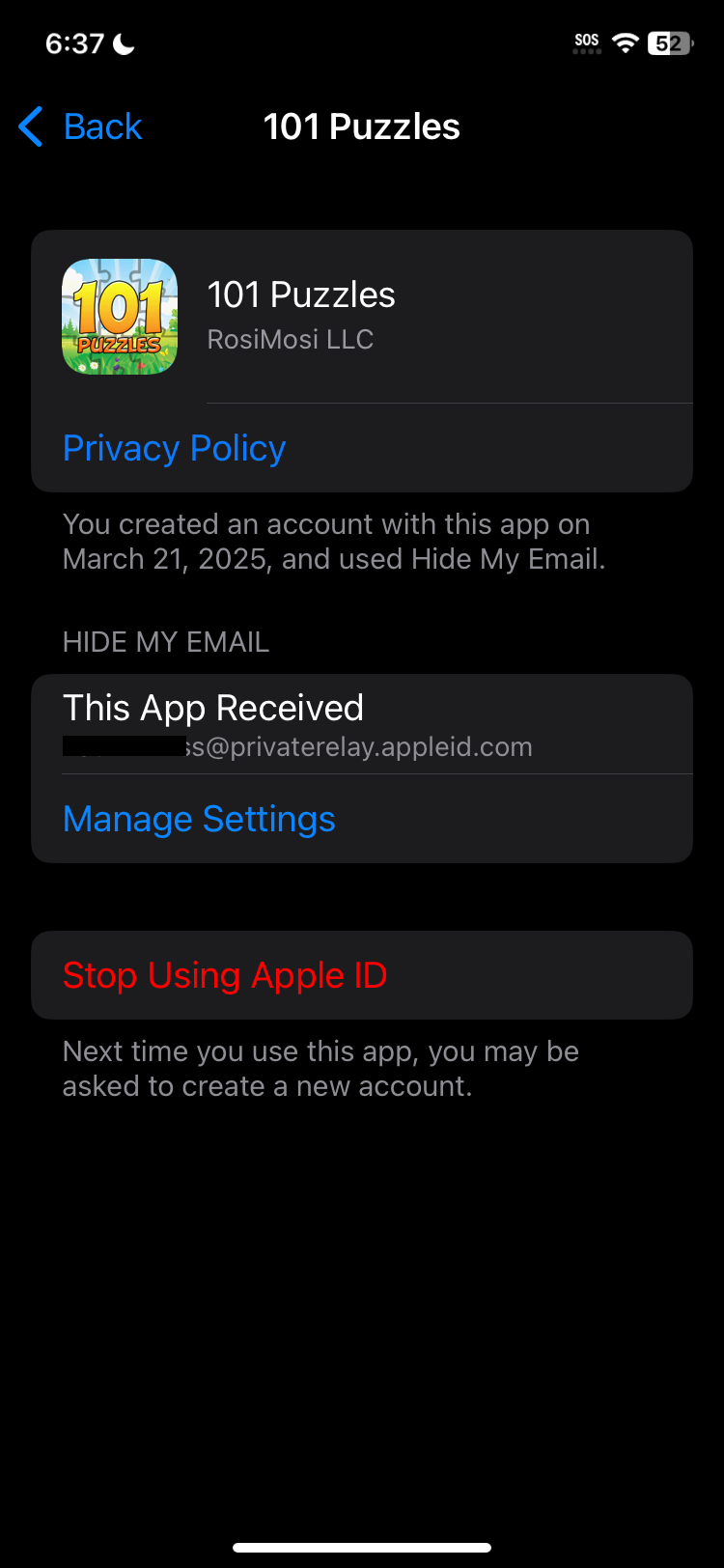
You can use the Apple Private Relay email address to reset your password and login. If functions just like a normal email address and forwards everything to your real real email address.
If you would prefer to have this email address changed please send both the Apple Private Relay email and your preferred email address to help@rosimosi.com and we would be happy to change it for you.

